My homelab crib sheet
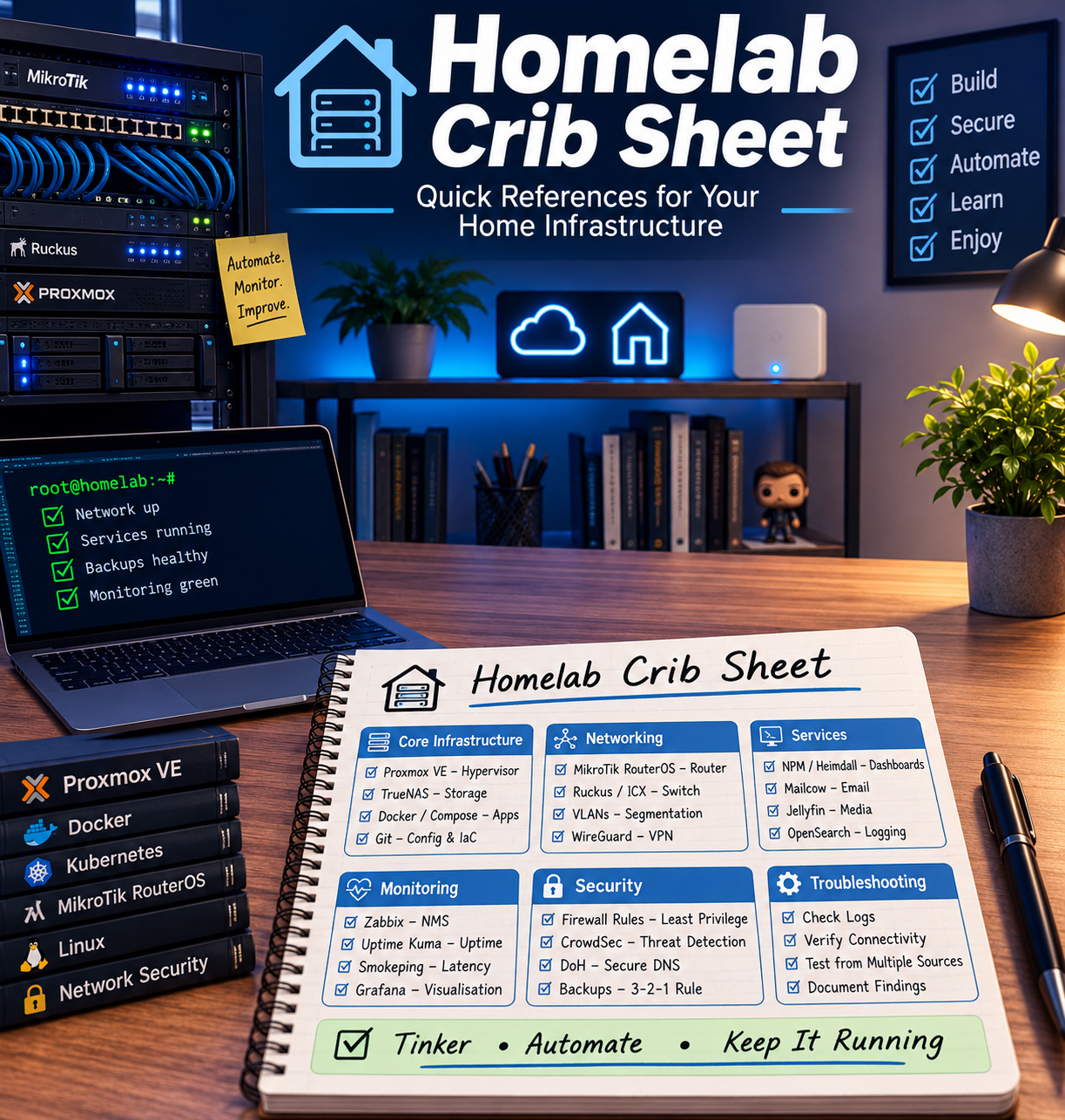
Yawn
I know. Everybody and everybot posts what is their 'homelab essentials'.
In my defence, these are tried and tested tools, I use them everyday to manage my network and services and wouldn't be without them. I don't like bloat or 'stuff' just for stuff, but when we get into metrics - the 'pretty graphs' can be super useful to understand at a glance if I'm under an increased load or something just doesn't look right.
Use this as little jumping off board, search for the things I talk about, enjoy going into it. This is not a how-to, as you may have guessed. But there are SO MANY online, that another one is pointless - for the same reason, I won't cover media stuff as there is so much out there already.
Second Yawn
ISP
My first homelab essential is my ISP - Aquiss, in the UK. For me, this is extremely easy to write - they are simply fantastic. The key here is that they give me the power to self host, and actively support it. They also give me a static IPv4 and a /56 IPv6 delegation, which gives me a solid foundation to build on. When people look at homelabbing, they will often overlook the ISP and I know that sometimes you have to work with what you've got (I was stuck with Virgin Media for 10+ years!) but if you are fortunate enough to be able to choose, spend the time and look into it.
Monitoring
Why is this important? As humans, we prefer pictures. So if you can graph important metrics such as server load, response time, requests, etc. this can save time by allowing you to build a 'baseline', and at a simple glance you can open up one of your monitoring tools and know 'something doesn't look right'.
I use grafana and zabbix. Grafana for pulling from Loki and prometheus (log scraping - super useful, for nginx, mail servers, etc.) and zabbix for SMTP network monitoring. If you use a 'default-deny' security posture, SMTP v2 (no credentials) is perfectly fine for a homelab environment - as long as port 161 in this case is blocked from the WAN.
This is one of the rare cases where I will say 'AI is your friend'. It can guide you pretty well through setting up the above tools, and vibe coding you some scripts for scraping logs - giving you more time for another cup of your favourite coffee, which can't be bad. I am aware though that we all homelab for the learning aspect and having fun, so if you want to join Alice in the rabbit hole, go for it, just enjoy yourself.
Reverse Proxy
An essential bit of kit. I use Nginx Proxy Manager (NPM) running in docker, and it is so easy to use and setup with letsencrypt SSL certs that it's comical. A reverse proxy will allow you to transparently give your services SSL and avoid the annoying warning every time you want to use them. Just point your DNS resolver static entries to your reverse proxy (I hear good things about Caddy, too) and then setup your hosts in the web UI.
Arcane (docker management)
This is awesome, I tried all of the standard docker management UI's, and Arcane is one of the best in my humble opinion. Easy to see at a glance what state your containers are in, easy to clean up stale images, networks, whatever and easy to update your containers. It will even tell you container vulnerabilities. It receives regular updates and has joined my collection of 'can't do withouts'. If you use docker, give it a shot.
Takeaway
The main thing is, don't be afraid to experiment and most importantly have fun. If it stops being fun, just switch to a cloud based service - there's no shame in that - let someone else have the headache. If you should concentrate on one thing before anything else, just make sure that your LAN is properly shielded from the internet - in 2026, there are a LOT of bots that WILL probe your router/ gateway - nothing to worry about, if you're properly protected - it's just 'internet noise'.
0 comment(s)
No comments yet. Be the first to comment.
Leave a comment